


Lesson
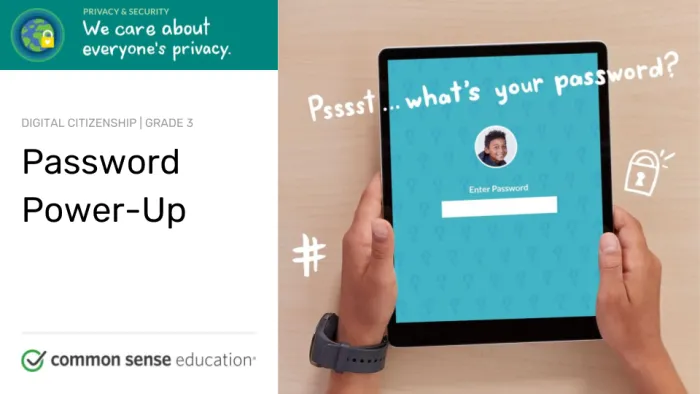
Updated lessons available!Password Power-Up
How can a strong password help protect your privacy?

Grade
3Time
45 mins.
Objectives
- Define the term "password" and describe a password's purpose.
- Understand why a strong password is important.
- Practice creating a memorable and strong password.
Vocabulary Show definitions
password .
phrase .
symbol .
username
password – a secret code that protects your account and keeps others from accessing your information
phrase – a group of words that go together and are easy to remember
symbol – a character other than a number or letter, such as #, !, or @.
username – a name you create to identify yourself when using an online account
Standards
This lesson meets standards for Common Core ELA, ISTE, CASEL and AASL.
Lesson Slides
 Sign in or join
to unlock this free lesson.
Sign in or join
to unlock this free lesson.
Standards
This lesson meets standards for Common Core ELA, ISTE, CASEL and AASL.
Hey there! We've updated our curriculum!
This lesson will be archived in December 2026.
We've updated and expanded it into the lessons below.
 Sign in or join
to unlock this free lesson.
Sign in or join
to unlock this free lesson.
Extend the Lesson
Common Sense Education has partnered with CYBER.ORG to support cybersecurity education. If you want to build on the themes from this lesson, we recommend the following lesson from the CYBER.ORG content library:
- Access Denied (Grades 3–5): Students learn about the concept of authorization and practice identifying the different authentication measures they may encounter when using school devices.
Our collaboration with CYBER.ORG was made possible with the generous support of Craig Newmark Philanthropies.

© Common Sense Media. Lessons are shareable with attribution for noncommercial use only. No remixing permitted. View detailed license information at creativecommons.org.
Lesson last updated:
What You’ll Need
Supplies
Writing paper or notebooks
In Class
-
If...Then...Scenarios
© Common Sense Media. Lessons are shareable with attribution for noncommercial use only. No remixing permitted. View detailed license information at creativecommons.org. Lesson last updated: